 CleanCut Vector
Black & white tracing
Auto threshold finds the right cut-off for you, or fine-tune it yourself for crisp single-color vectors.
 For macOS
CleanCut Vector turns logos, text and high-contrast artwork into clean, cut-ready vectors for vinyl cutters and laser engravers — entirely on your Mac.
Download on theMac App StoreReal input on the left, real SVG output on the right. Drag to compare.
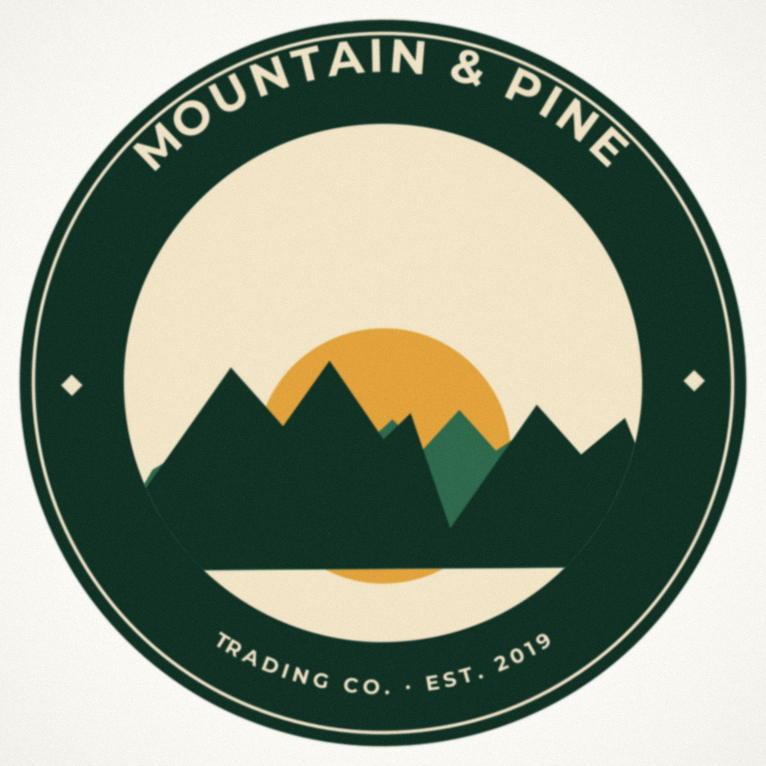
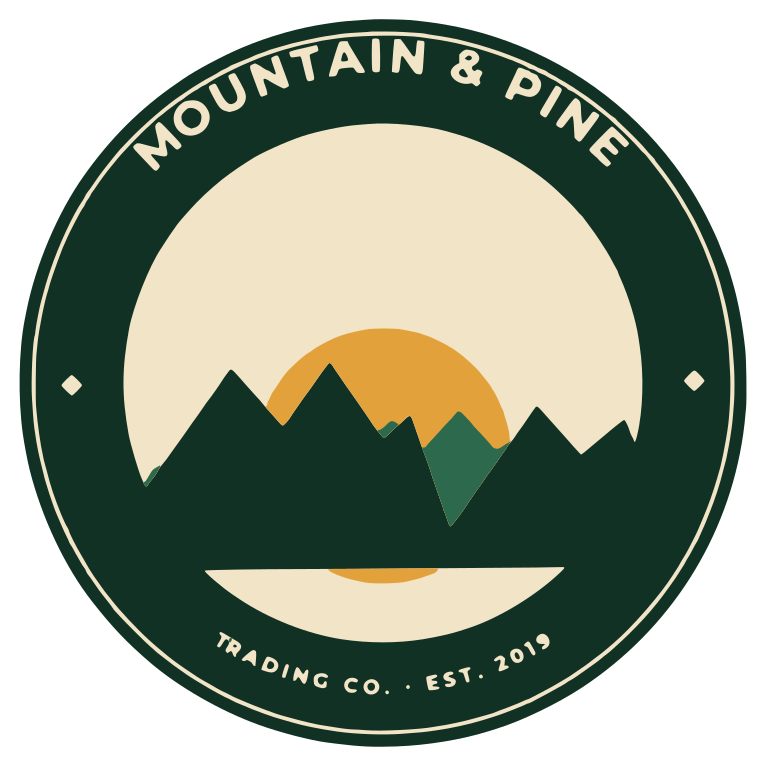

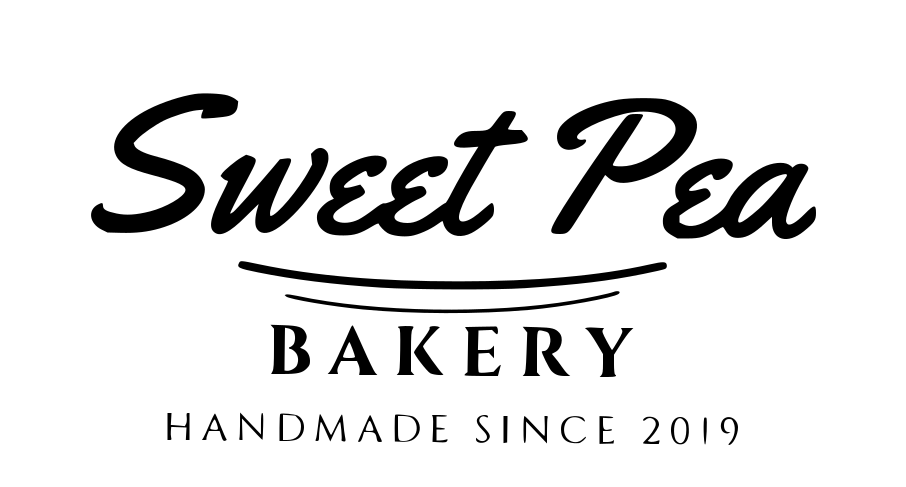
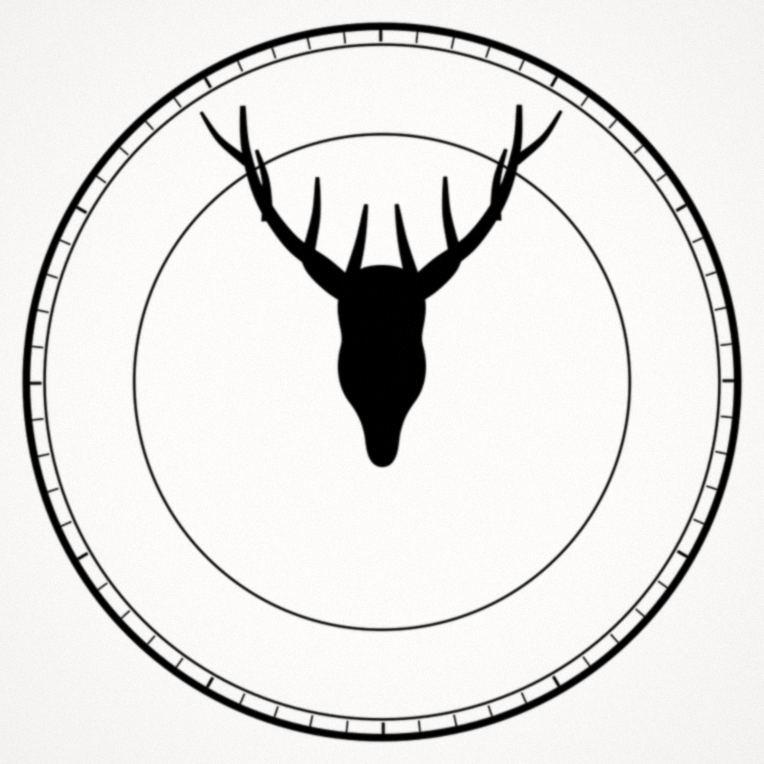
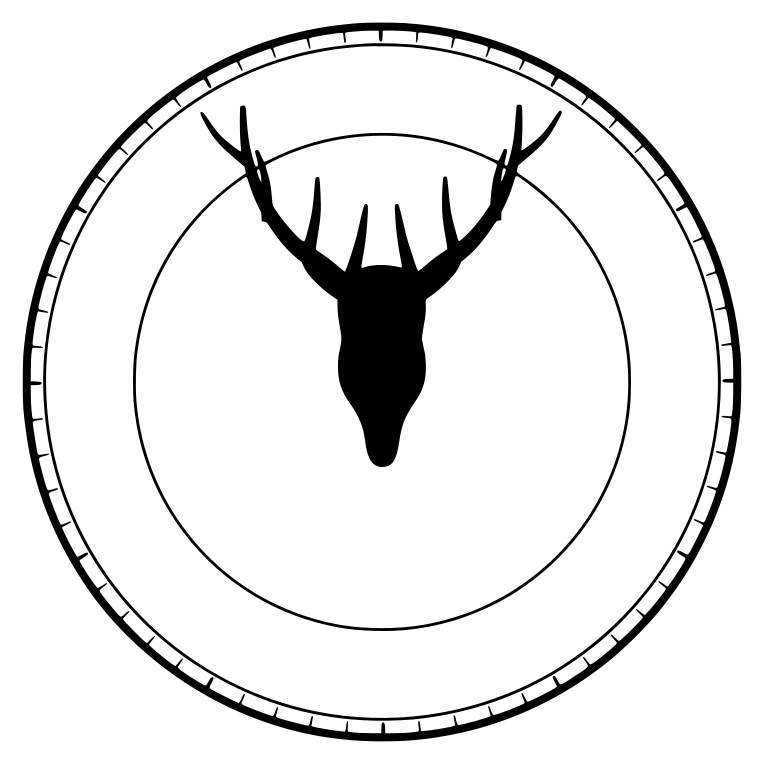
Drag the divider to compare, or focus it and use the arrow keys.
Every “after” image on this page is the exported SVG file itself, traced from that exact JPEG — no retouching, no tracing by hand.
Tuned for logos, lettering and bold artwork — the stuff you actually put on vinyl, wood and acrylic.
Auto threshold finds the right cut-off for you, or fine-tune it yourself for crisp single-color vectors.
Pick how many colors you want. Each color becomes its own layer, in stacked or cut mode.
Color snapping pulls every pixel to a clean palette so you never get muddy edge layers.
Bezier curves stay smooth where they should and corners stay sharp, with proper hole handling.
Choose the detail level and remove stray specks with Light, Normal or Strong cleanup.
Compare the original and the trace next to each other, or overlay them to check every edge.
Hit Trace and watch progress in real time. Changed your mind? Cancel any time.
Export SVG, PDF or DXF (R12) in millimeters or inches, sized for the real world.
Every trace runs on-device. Your images are never uploaded anywhere.
One click sets up export for your cutter or laser workflow.
Drop in a logo, text or high-contrast artwork.
Black & white or color, number of colors, detail level and speck removal.
Watch live progress, then check the result side by side or as an overlay.
Save SVG, PDF or DXF at real-world size with a preset for your machine.
One-time purchase on the Mac App Store
No. All processing happens on your Mac. Nothing is uploaded, and the app works without an internet connection.
No. CleanCut Vector is a one-time purchase of $9.99 on the Mac App Store. No subscription, no in-app account.
Logos, text and high-contrast artwork give the cleanest results. Photos with soft gradients are not what it is designed for.
SVG, PDF and DXF (R12), in millimeters or inches with real-world size.
It includes output presets for Cricut Design Space, Silhouette Studio, Glowforge, xTool Creative Space and LightBurn, plus generic Laser engrave (fill) and Vinyl/cut (outline) presets.
When tracing in color, each color becomes its own layer. Stacked mode lets layers sit on top of each other; cut mode keeps them side by side so they don’t overlap.
A Mac running macOS 14 or later.
More help on the Support page.